Learn how business VoIP can transform your company’s communication. Discover features, benefits, and tips to choose the best VoIP solutions for your business.
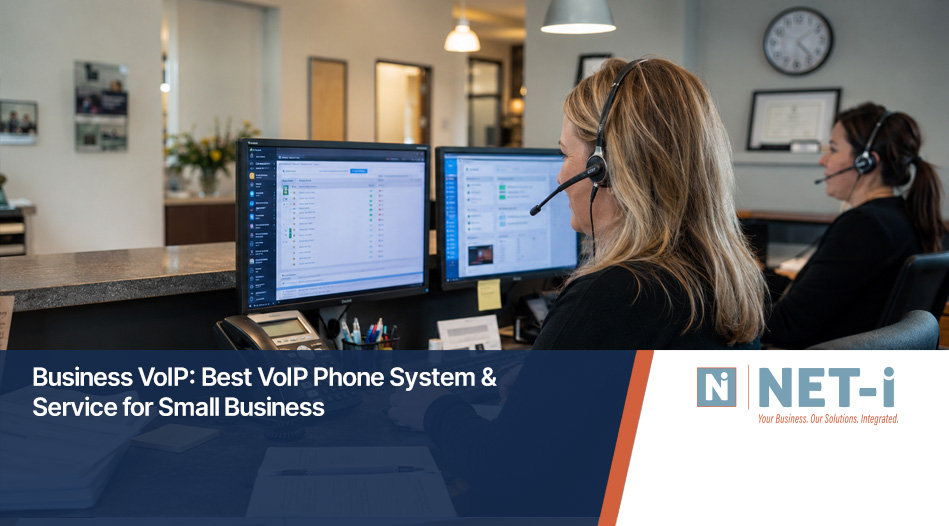
Switching to business VoIP is a smart move for any company that wants reliable, modern communication. In this guide, you’ll learn what business VoIP is, how it works, and what makes it a great fit for small businesses. We’ll cover the essential features, key benefits, common mistakes to avoid, and practical steps for getting started. You’ll also get answers to the most common questions about VoIP service, business phone systems, and choosing the right provider for your needs. Whether you’re replacing a traditional phone or setting up a new phone system for business, this article will help you make informed decisions about business communication, phone numbers, and unified communications.
Business VoIP is a way to make phone calls using the internet instead of traditional phone lines. This technology turns your voice into digital data and sends it over a secure network. Many small businesses choose business VoIP because it’s flexible, cost-effective, and packed with advanced features that help teams stay connected.
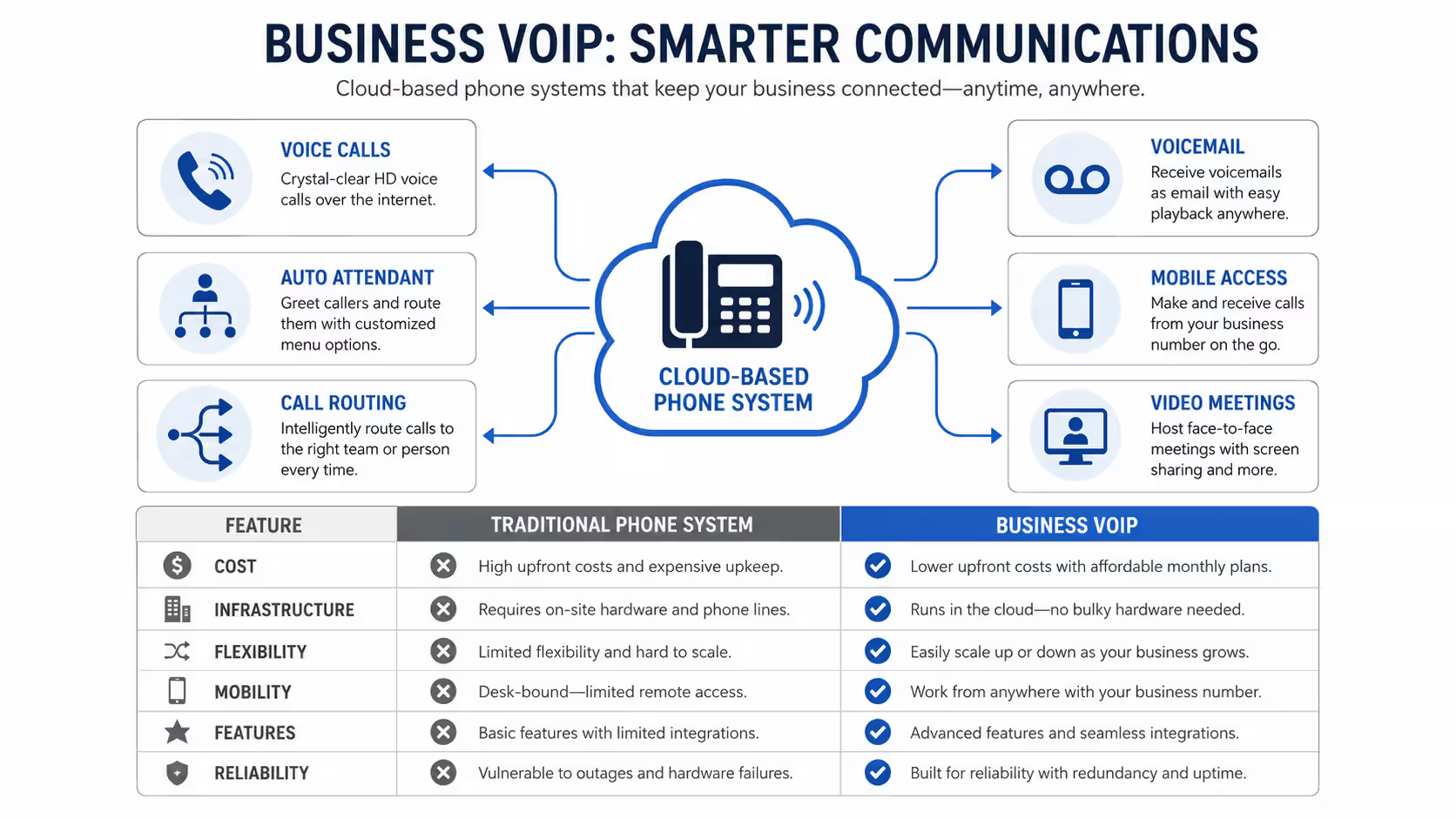
With business VoIP, you can use a desk phone, mobile app, or even your computer to make and receive calls. This means you can work from anywhere and still keep your business phone number. Plus, VoIP solutions often include features like voicemail-to-email, call forwarding, and video conferencing, making it easier to manage business communication for small teams or growing companies.

Selecting the right VoIP phone system is important for your business. Here are some common mistakes to watch out for and how to avoid them.
Some businesses focus only on price and forget about call quality. Poor call quality can frustrate customers and hurt your reputation. Always test the service and check if your internet connection can handle VoIP traffic.
Not all VoIP providers offer the same features. Make sure the system includes the advanced features you need, like call recording, auto-attendant, or integration with your CRM. These tools can save time and improve customer service.
Your business might grow faster than you expect. Choose a business VoIP system that can easily add new users, phone numbers, or locations. This saves you from switching systems later.
VoIP solutions should protect your calls and data. Ask about encryption, secure login, and how the provider handles outages. Security is just as important as convenience.
If your team works remotely or travels, make sure your VoIP service includes a reliable mobile app. This lets employees stay connected from anywhere and helps small teams stay productive.
Good support matters. Test the provider’s customer service before you sign up. Fast, helpful support can solve problems quickly and keep your business running smoothly.
When you choose a business VoIP phone system, look for these important features:
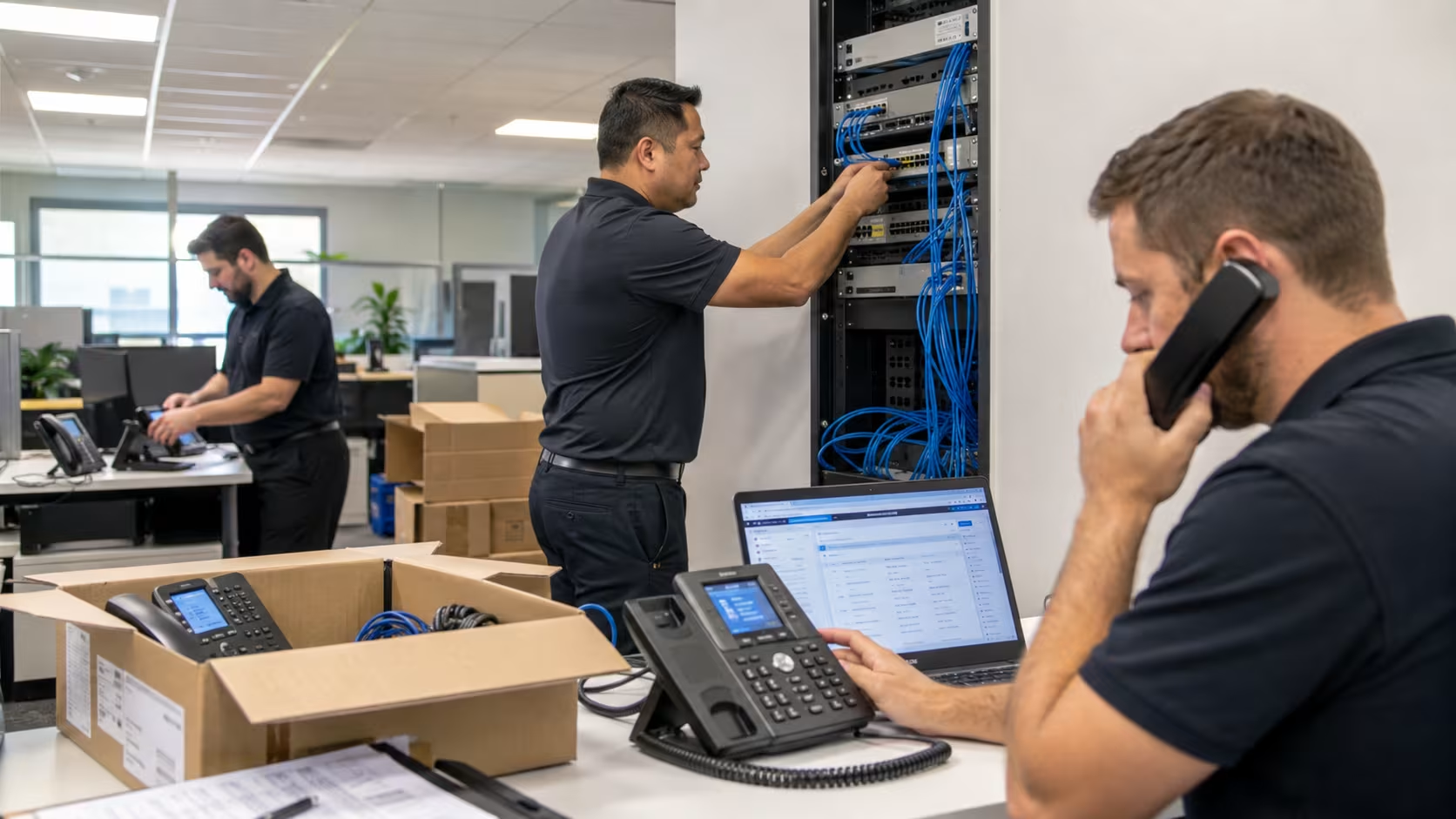
Business VoIP service is designed for the way companies work today. It supports remote work, flexible schedules, and teams spread across different locations. You can use VoIP phones, computers, or mobile devices to make and receive calls, so your team is always reachable.
Another benefit is cost savings. VoIP solutions often include unlimited calling and lower monthly fees compared to traditional phone systems. You also avoid the cost of maintaining physical phone lines or PBX hardware. Plus, updates and new features are delivered automatically, so your system stays current without extra effort.
Switching to business VoIP takes planning. Here are the main steps to make sure you get the best system for your business.
Start by listing how many users you have, what features you need, and if you want to keep your current phone numbers. This helps you choose the right system for your business.
Not all providers are the same. Look for companies with strong customer reviews, reliable uptime, and clear pricing. Ask about unlimited calling and unified communications options.
Before you commit, test the call quality with your internet connection. Some providers offer free trials or demos so you can check for any issues.
Make sure the system supports features like call recording, voicemail-to-email, and integration with your business software. These features can make a big difference in daily operations.
Work with your provider to set up the new system. They should help you port phone numbers, set up desk phones or IP phones, and train your team.
After launch, monitor how the system works. Adjust settings as needed and ask your provider for help if you run into problems.

Implementing a small business VoIP system is easier than you might think. Start by checking your internet speed and making sure it can handle the number of calls you expect. Most VoIP solutions need a stable, high-speed connection for the best call quality.
Next, decide if you want to use desk phones, softphones (apps on your computer), or both. Many small businesses choose a mix to fit different work styles. Make sure your provider helps with setup and offers training, so your team can use all the features right away.
Finally, review your monthly costs and compare them to your old phone service. You’ll likely find that business VoIP is more affordable, especially when you factor in unlimited calling and fewer hardware expenses.
Choosing the best business VoIP phone solution takes careful planning. Here are some best practices to follow:
Following these tips will help you find a reliable phone solution that fits your business needs.
Are you a business with 15-70 employees looking for a better way to manage calls and business communication? If you’re growing and need a phone system that keeps up, we can help you find the right business VoIP service and support every step of the way.
We know how important reliable phone service is for your team and your customers. Our team at NET-i specializes in VoIP solutions for small businesses and can help you choose, set up, and manage your new system. Contact us today to get started.
A VoIP phone system lets you make calls over the internet instead of using a landline. For small businesses, this means you can use a desk phone, mobile app, or computer to stay connected from anywhere. VoIP service often includes features like voicemail, call forwarding, and easy management of phone extensions.
Switching to VoIP can lower your monthly costs and give you more flexibility. You can keep your current phone numbers, add new users as your business grows, and enjoy advanced calling features that help your team work smarter.
When choosing VoIP phones, think about how your team works. Some people prefer a traditional desk phone, while others like using a mobile app or computer. Look for phones that support the features you need, such as call quality, voicemail-to-email, and integration with your business software.
It’s also important to check if the phones are compatible with your chosen VoIP provider. Ask about support, warranties, and if the phones can be easily upgraded as your business needs change.
Business VoIP service offers cost savings, flexibility, and advanced features. You can make unlimited calls, manage your system online, and use unified communications tools like video meetings and instant messaging. This helps your team stay connected and productive.
Many providers also offer easy setup, reliable customer support, and options to keep your existing phone numbers. This makes the transition smooth for small businesses looking to modernize their phone system.
A business phone system centralizes your calls, messages, and voicemails, making it easier to manage business communication. Features like auto-attendant, call routing, and voicemail-to-email help ensure important calls reach the right person quickly.
Unified communications tools let your team collaborate through voice, video, and chat. This improves response times and helps small teams work more efficiently, whether they’re in the office or working remotely.
Look for advanced features like call recording, voicemail-to-email, auto-attendant, and integration with your CRM or helpdesk. These features help streamline daily tasks and improve customer service.
Some systems also offer mobile apps, video conferencing, and analytics tools. These extras can make a big difference for small businesses that want to stay competitive and flexible.
Most business VoIP providers offer unlimited calling plans, but it’s important to check the details. Ask if unlimited calling covers local, long-distance, and international calls, or if there are any restrictions.
Review the contract and ask about any hidden fees or usage limits. This ensures you get the best value and avoid surprises on your monthly bill.
%20(1)_11zon.jpg)
A seasoned IT Computer Network Support professional with nearly 30 years of business ownership experience Chris is the leader and managing partner of Net-I.
Fun Fact: Chris thinks he should have been a comedian, unfortunately few others agree with him.

.svg)