Freeing your team from alert overload lets them focus on real threats, reducing risk and making your security efforts more effective.
Adding more endpoint detection tools can actually make it harder to spot real threats when alert volume exceeds what your team can handle. Simplifying your security stack often leads to better visibility and faster response.
You might think that adding more tools to your endpoint security management setup is the safest way to protect your business. The instinct is understandable—more tools should mean better coverage, right? But when every new tool brings its own alerts and dashboards, your team can quickly become overwhelmed.
Too many alerts can actually make it harder to spot real threats. When your staff is buried under notifications, the most important issues can get lost in the noise. This is a common challenge for businesses managing multiple endpoint protection platforms at once.
Endpoint security management is about keeping all your devices—laptops, desktops, and mobile devices—safe from threats. It involves monitoring, updating, and responding to risks across your network. The goal is to keep your systems secure without drowning your team in work they can't finish.
If your team spends more time sorting through alerts than fixing real problems, your security posture may suffer. The right balance lets your staff focus on what truly matters.

Adding new security tools often seems like a smart move, but each one adds complexity. Every tool has its own way of reporting issues, and each generates its own set of alerts. At first, this might feel like better coverage. Over time, though, it can create confusion.
When alerts from different systems overlap or contradict each other, your staff has to spend extra time figuring out which ones are real. This slows down response times and can lead to missed threats. In some cases, teams may start ignoring alerts altogether because there are simply too many to handle.
This overload doesn't just waste time—it can also cost you money. When staff are busy managing alerts, they have less time for proactive work like patch management or improving security policies. The result is a weaker overall defense, not a stronger one.
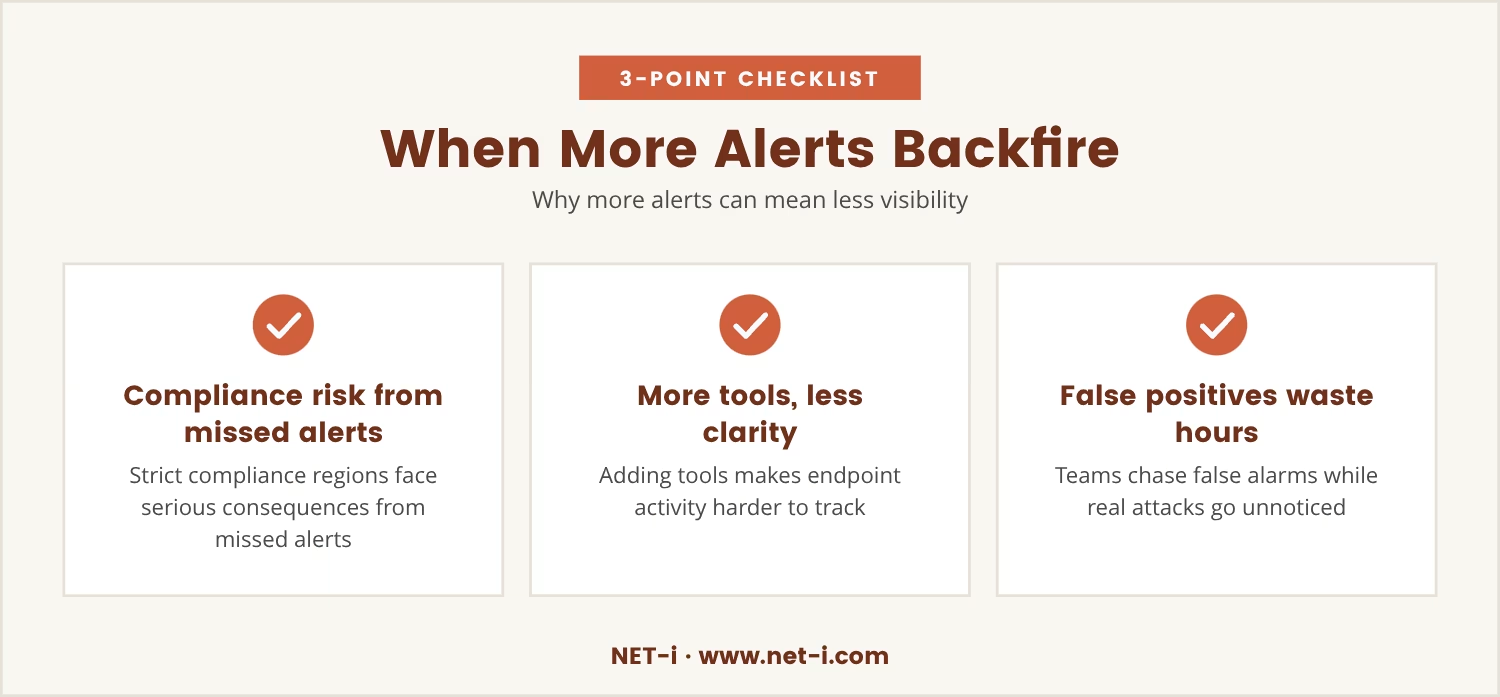
It may sound strange, but having more alerts doesn't always mean you see more threats. In fact, too many alerts can hide the real risks. When your team can't keep up, important warnings slip through the cracks.
Security teams in Arkansas and beyond often face this problem. If your business operates in a region with strict compliance requirements, missing a critical alert can have serious consequences. The more tools you add, the harder it becomes to keep track of what's actually happening across your endpoint devices.
Instead of helping, a flood of alerts can create blind spots. Your team might spend hours chasing false positives while a real attack goes unnoticed. This is the opposite of what effective endpoint security should achieve.
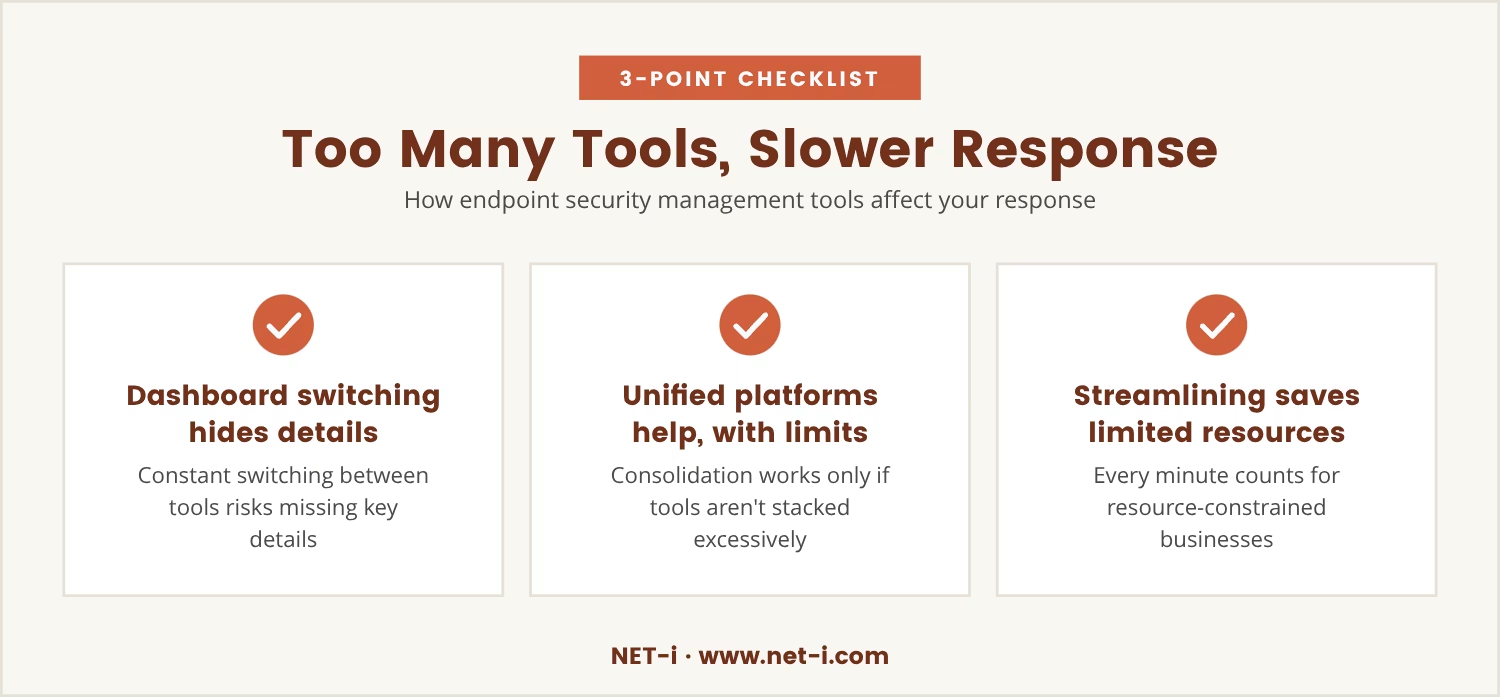
The right endpoint security management tools should help your team respond faster and more accurately. But when you have too many, the process can break down. Each tool may require its own training, and staff may not be experts in all of them.
If your team is constantly switching between dashboards, they may miss key details. Unified endpoint management platforms can help by bringing everything into one place, but only if you avoid stacking too many solutions on top of each other.
A streamlined approach lets your staff focus on real threats instead of sorting through endless notifications. This is especially important for businesses with limited resources, where every minute counts.
A strong endpoint security management strategy isn't about having the most tools—it's about having the right ones, used in the right way. Here are the key elements that matter most:
Set clear rules for how devices are monitored, updated, and protected. This keeps everyone on the same page and reduces confusion.
Use a single dashboard or platform to manage all your endpoint devices. This makes it easier to spot trends and respond quickly.
Configure your tools to highlight the most important alerts first. This helps your team focus on real threats instead of getting lost in the noise.
Keep all devices up to date with the latest security patches. This closes common gaps attackers use to get in.
Make sure your team knows how to use your chosen tools effectively. Training reduces mistakes and improves response times.
Regularly review your setup to make sure it's still meeting your needs. Remove tools that add more noise than value.
Security teams are often stretched thin. When they're forced to manage too many tools, their workload can become unmanageable. This leads to burnout and mistakes.
A simpler, more focused setup allows your team to act quickly when something goes wrong. Instead of spending hours reviewing low-priority alerts, they can use their time to investigate real threats and improve your overall security posture.
For businesses in Arkansas, where resources may be limited, this approach can make a big difference. The right management solution frees up your staff to do their best work.
Many businesses face similar problems when managing endpoint protection. Here are some of the most common challenges and ways to address them:
It might feel risky to remove security tools, but sometimes less is more. By focusing on a smaller set of reliable systems, you give your team the space to act on the alerts that matter most.
This doesn't mean you should cut corners or ignore best practices. Instead, aim for a setup where every tool has a clear purpose and adds real value. The result is a stronger, more responsive defense against threats.
When your staff isn't buried under alerts, they can spend more time on proactive work—like improving security policies or training users. This is the real benefit of a focused approach to endpoint security management.

If you’re running a business with 15 to 70 users, you may feel pressure to keep adding more tools to stay protected. At NET-i, we understand how quickly this can lead to alert fatigue and missed threats.
We invite you to see how our team helps businesses like yours cut through the noise and focus on what matters most. Let’s talk about a simpler, more effective way to manage your endpoint security.
Cut through alert noise and focus on the threats that matter most. A simpler setup can help your team respond faster and stay in control.
Talk to an Endpoint Security Expert
If your staff regularly ignores or delays responding to alerts, or if important issues are missed, alert fatigue may be the cause. Watch for signs like slow response times, repeated missed threats, or complaints about too many notifications. Addressing this early can help prevent bigger problems.
Endpoint detection and response (EDR) tools monitor for unusual activity and help investigate threats, while traditional antivirus software mainly blocks known viruses. EDR provides more advanced protection by allowing your team to detect and respond to new or complex attacks.
Unified endpoint management can simplify device management by bringing different types of devices—like laptops, smartphones, and tablets—under one system. This makes it easier to enforce security policies and keep everything updated, especially as your business grows.
Review your endpoint management policies at least once a year, or whenever you add new devices or tools. Regular reviews help ensure your policies stay effective as your business and technology needs change.
Personal devices may not follow your company's security policies, making them more vulnerable to threats. If you allow personal devices, set clear rules and use mobile device management to help protect your data.

A seasoned IT Computer Network Support professional with nearly 30 years of business ownership experience Chris is the leader and managing partner of Net-I.
Fun Fact: Chris thinks he should have been a comedian, unfortunately few others agree with him.